using Milk First
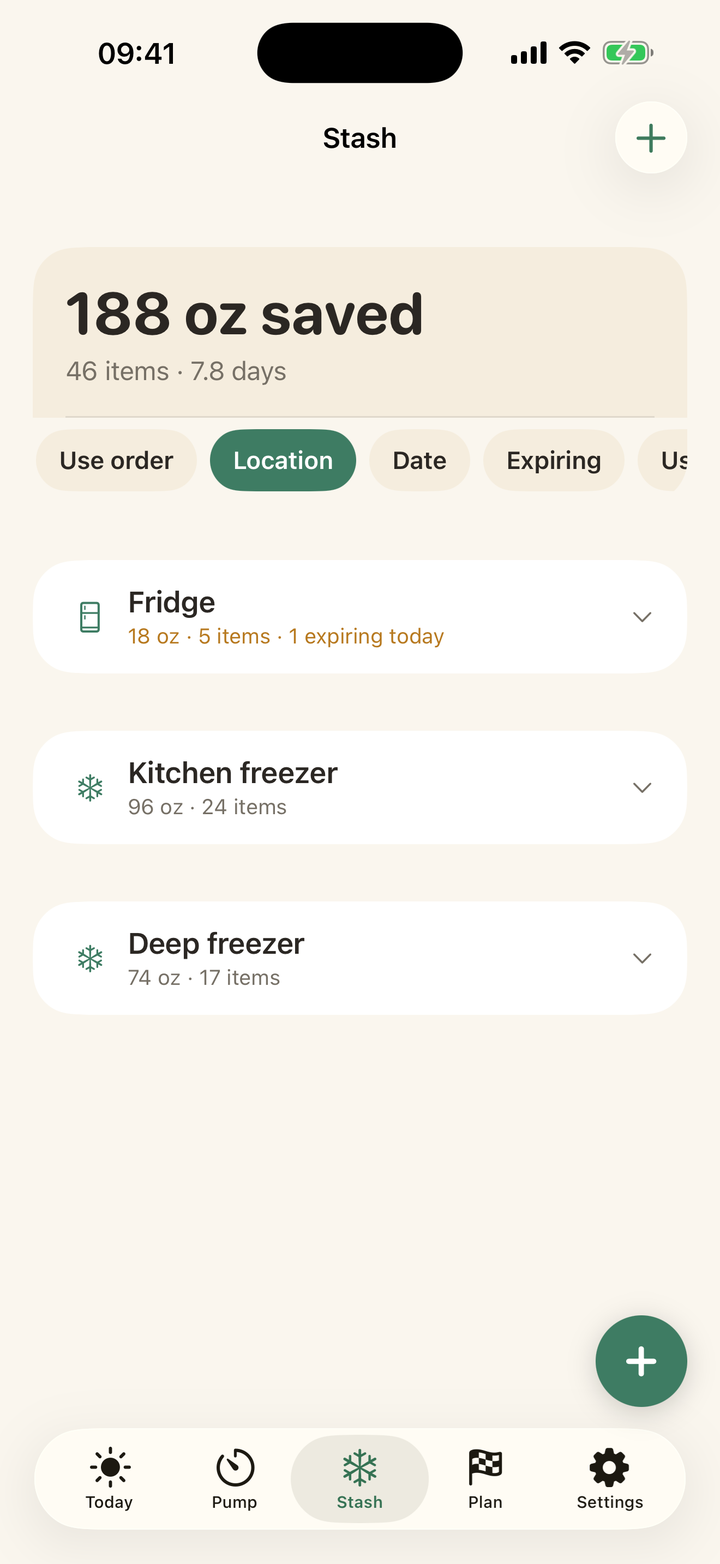
How to add many bags at once
Quick answer: Stash tab → + → Add multiple bags. Set the count and per-bag amount for the fast path, or flip on Customize each bag to give every bag its own label, amount, location, and pumped date. Labels auto-generate in sequence (MQ-041, MQ-042...) so app and sharpie always match.
The fast path
Six bags, 4 oz each, pumped today, deep freezer: four taps and a big Add button that shows the total ounces you are filing. Perfect for the nightly pitcher portioning or a big pumping day.
The precise path
Customize each bag turns the screen into a per-bag list, which is how you enter an existing freezer in one sitting: work through the pile oldest to newest, matching each sharpie date. Bags entered with past dates land on their true clocks immediately, including any that deserve the front of the queue.
Every guide on this page is two taps in the app. Download free and try it with your own stash.
Get Milk First free