using Milk First
Getting started with Milk First
Quick answer: Download, open, and answer six quick questions: oz or ml, your default bag size, where you store milk, which safety rules to use, whether you want pump reminders, and then add your first milk. No account, no email. Your data lives on your phone from the first second.
The six setup screens
- Units and bag size: oz or ml, and the portion you usually freeze (2 to 4 oz is the CDC-friendly default).
- Locations: fridge, kitchen freezer, and deep freezer come preloaded; add cooler bag, daycare, work fridge, or grandma's house in a tap.
- Safety rules: CDC defaults, a more conservative preset, or fully custom windows if your care team gave different numbers.
- Reminders: optional pump reminders with quiet hours.
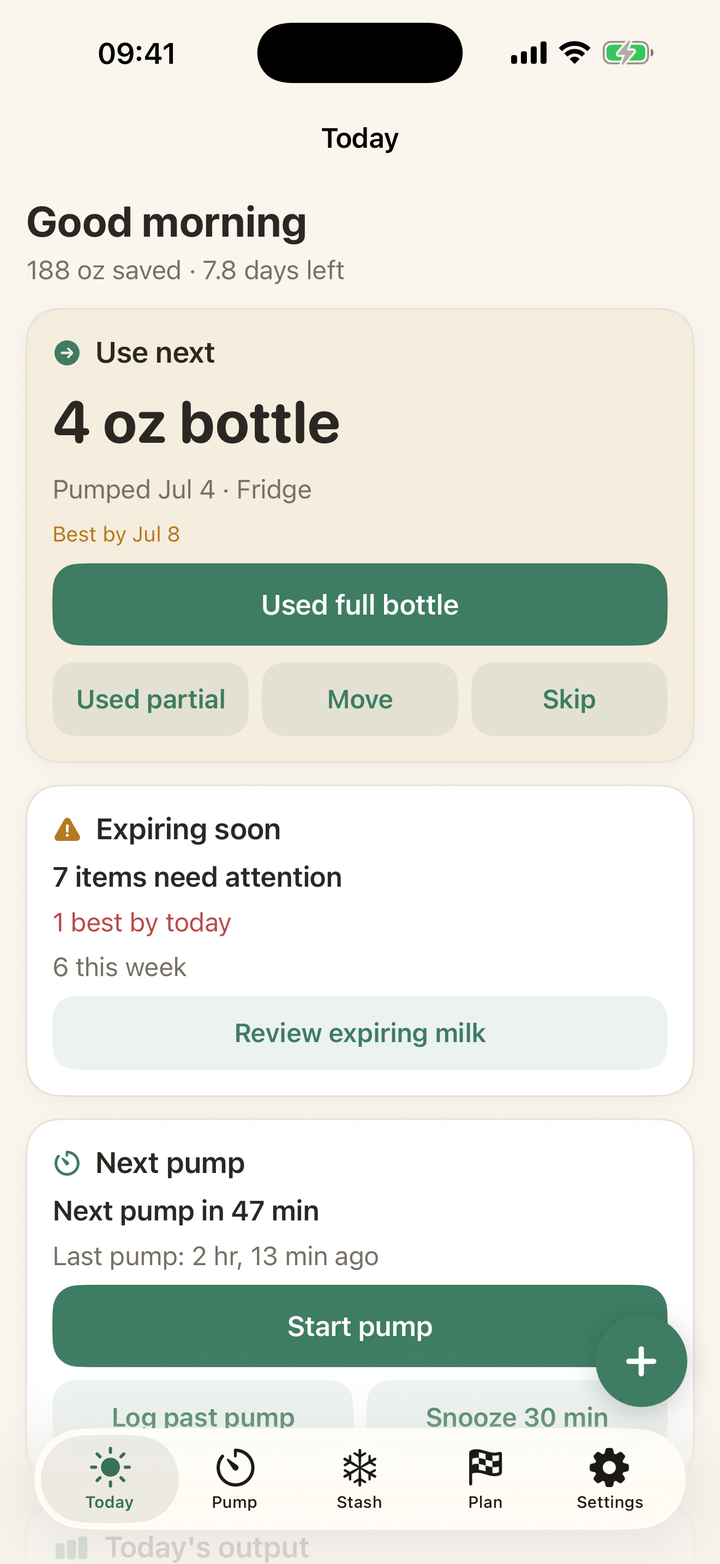
- First milk: log a pump, add a freezer bag, or import an existing stash. The moment milk exists, the Today screen starts answering "what do I use next?"
Already have a freezer full?
Use Add multiple bags to enter a whole brick in one screen, or Import to paste a list. Backdate the pumped dates and every bag lands on its correct clock. Ten minutes of entry turns months of mystery freezer into a sorted queue.
Every guide on this page is two taps in the app. Download free and try it with your own stash.
Get Milk First free