using Milk First
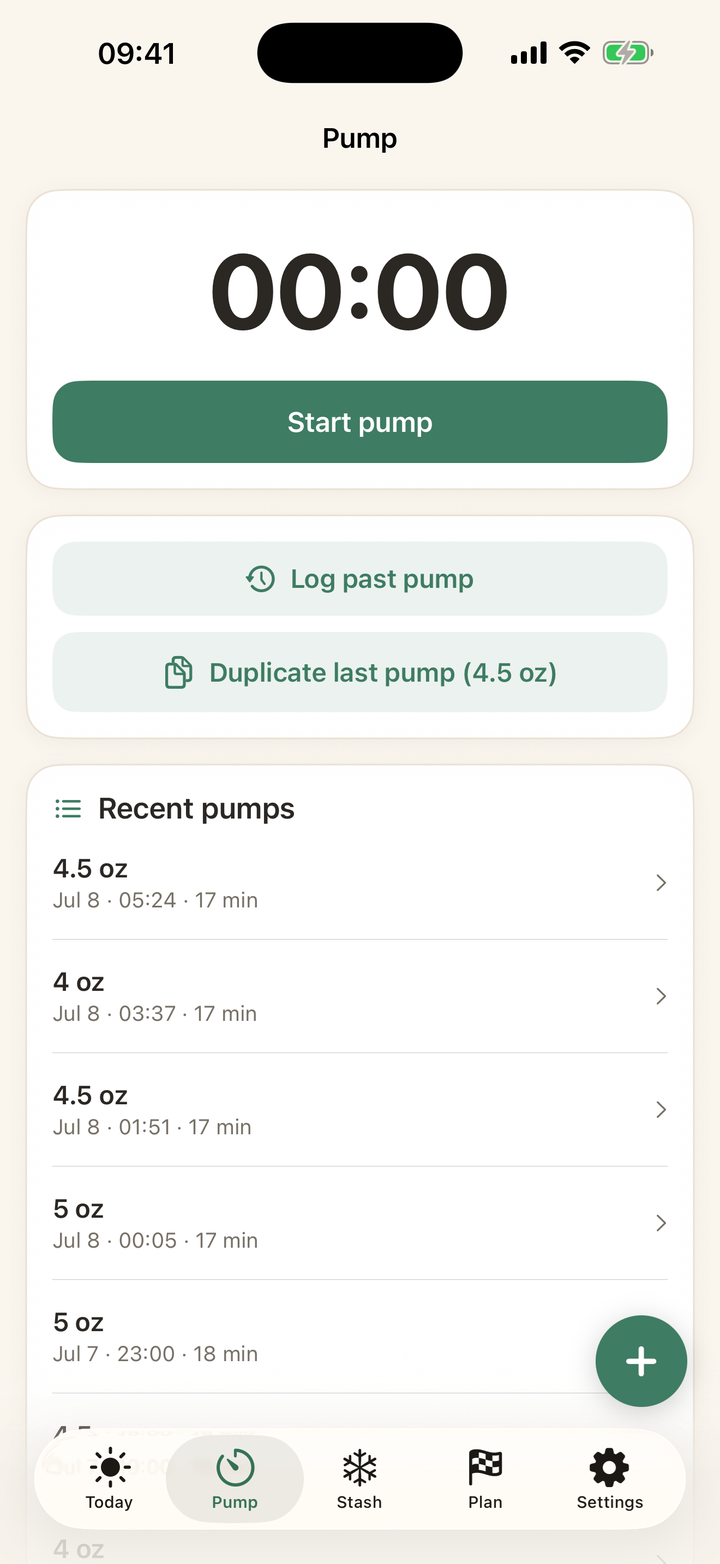
How to log a pump
Quick answer: Open the Pump tab and hit Start pump: the timer runs even if your phone dies. When you finish, enter amounts (left and right, or just the total, with quick +1/+2/+3 oz buttons) and answer one question: what happened to this milk? Fridge, freezer, pitcher, baby drank it, or split it.
The five-second version
Timer on, pump, timer off, tap the total, tap Freeze it. Done. The milk appears in your stash as a dated, labeled bag with its best-by and use-by dates already computed. The Today screen updates instantly.
The details when you want them
Left and right amounts if you track sides, notes and tags for anything worth remembering, and every session is editable later from Recent pumps. The timer survives app restarts and phone deaths, because 3 AM.
Every guide on this page is two taps in the app. Download free and try it with your own stash.
Get Milk First free