using Milk First
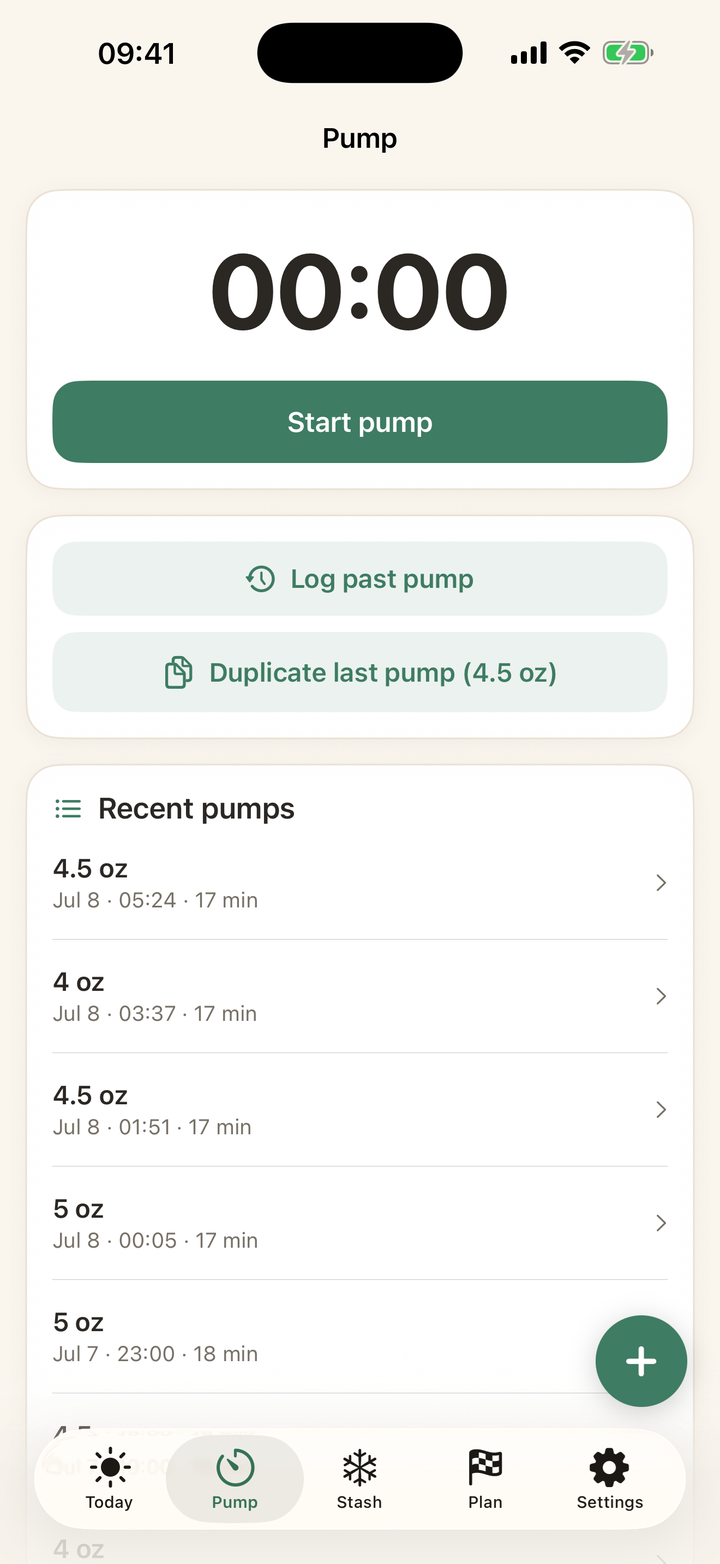
How to log a pump you forgot to track
Quick answer: Tap Log past pump on the Pump tab or Today screen, set the real start time, enter amounts, and route the milk. Because expiry clocks anchor to the pumped time, not the logging time, backdating keeps every date honest.
Why the backdate matters
A bag pumped at 4 AM and logged at 9 AM must expire on the 4 AM clock. Milk First anchors every best-by and use-by date to the pumped time you enter, so a forgotten log never quietly extends a deadline.
Batch catch-up
Coming back from a rough week? Log each past session with its date, or skip the sessions entirely and just add the milk itself via Add bags with backdated pumped dates. The stash math ends up identical; log sessions only if you also want your output stats complete.
Every guide on this page is two taps in the app. Download free and try it with your own stash.
Get Milk First free