using Milk First
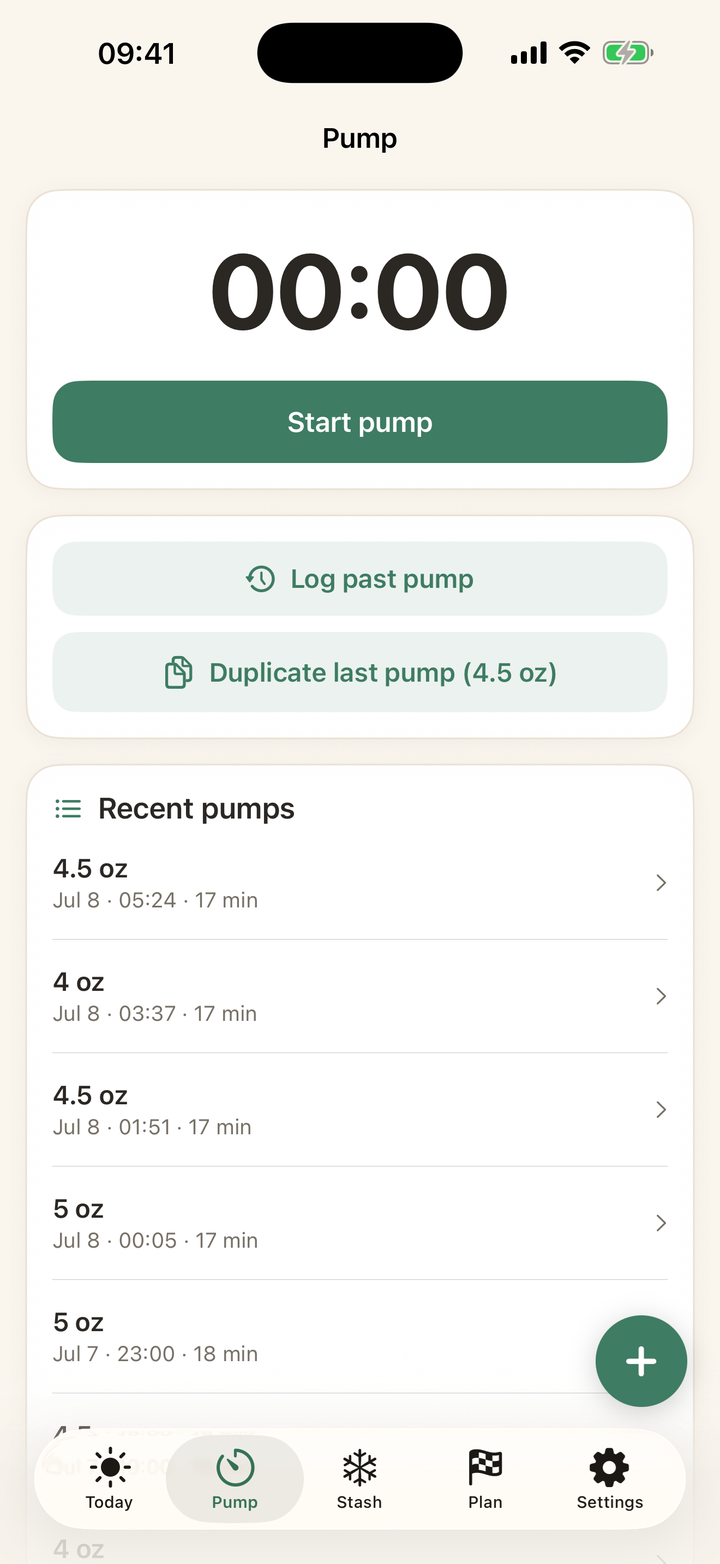
How Repeat last pump works
Quick answer: On the Pump tab, Repeat last pump now logs a new session with your previous session's amounts at the current time, and routes the milk the same way (the button even tells you where: for example, 4.5 oz → Kitchen freezer). One tap, fully logged, correctly filed.
Built for the steady weeks
Most established pumpers produce nearly the same amount at the same sessions daily. When your 10 AM is always 4.5 oz to the freezer, logging should cost one tap, not a form. If the original session was never routed anywhere, the button falls back to the normal form, pre-filled.
When output differs
Tap into the regular log instead, or repeat and then edit the session from Recent pumps: amounts, time, and routing all stay editable. The undo toast covers accidental taps, like everything else in the app.
Every guide on this page is two taps in the app. Download free and try it with your own stash.
Get Milk First free